
Last Updated: November 12, 2026
Quick Summary
The best CRM for service-based businesses keeps clients, jobs, and follow-ups in one place, and our 2026 picks include AllyONE for all-in-one small business use, Method:CRM for QuickBooks users, and HubSpot Smart CRM as a free starting point. We ranked each option on setup ease, client tracking, scheduling, and sensible cost as you grow.
- AllyONE combines CRM, automation, e-commerce, and community management in one dashboard with 250+ ready-made templates.
- Method:CRM is the pick for service businesses already running QuickBooks, thanks to two-way synchronization.
- HubSpot Smart CRM offers a free plan so small teams can test the water without a card on file.
- The features that matter most are client records, lead tracking, scheduling, quotes, invoicing, and automated follow-ups.
- Run a test import with a handful of records before moving your full client list to a new CRM.
Quick Comparison: Best CRM for Service-Based Businesses in 2026
Picking the best CRM for service-based businesses in 2026 comes down to one question: does it hold your clients, jobs, and follow-ups in one place without a second mortgage? This guide from AllyONE walks through seven real options, what each does well, and where each falls short.
Here’s the short version before the details:
|
CRM |
Best For |
Free Plan |
Standout Strength |
|---|---|---|---|
|
AllyONE |
All-in-one small business |
No |
CRM, courses, e-commerce, community in one dashboard |
|
Method:CRM |
QuickBooks users |
No |
Two-way QuickBooks sync |
|
HubSpot Smart CRM |
Free starting point |
Yes |
CRM plus marketing and sales tools |
|
Copper |
Relationship-driven teams |
No |
Built for agencies and consultancies |
|
Zoho CRM / Bigin |
Budget-conscious teams |
No |
Broad features, approachable price tier |
|
Salesforce Starter |
Sales, service, commerce |
No |
Several business functions in one dashboard |
Most roundups rank tools by feature count. A service business doesn’t need the longest feature list, it needs a system that keeps a client’s history, quote, job, and invoice connected. We ranked on that instead.
Salesforce small business CRM research
How We Evaluated These CRM Options
We scored each CRM on four plain-English tests: can a non-technical owner set it up, does it track a client from first enquiry to paid invoice, does it handle scheduling and follow-ups, and does the total cost stay sensible as you grow. No deep technical specs, no jargon.
A common mistake is buying on the demo, which always looks clean. The tool you’ll keep is the one your team opens without being nagged, so we weighted ease of use heavily.

Questions about how we judged these options? Our FAQs cover the details. If your real problem is a pile of disconnected tools rather than the CRM itself, read about alternatives to fragmented marketing software stacks before you commit.
1. AllyONE: The All-in-One CRM for Small Business
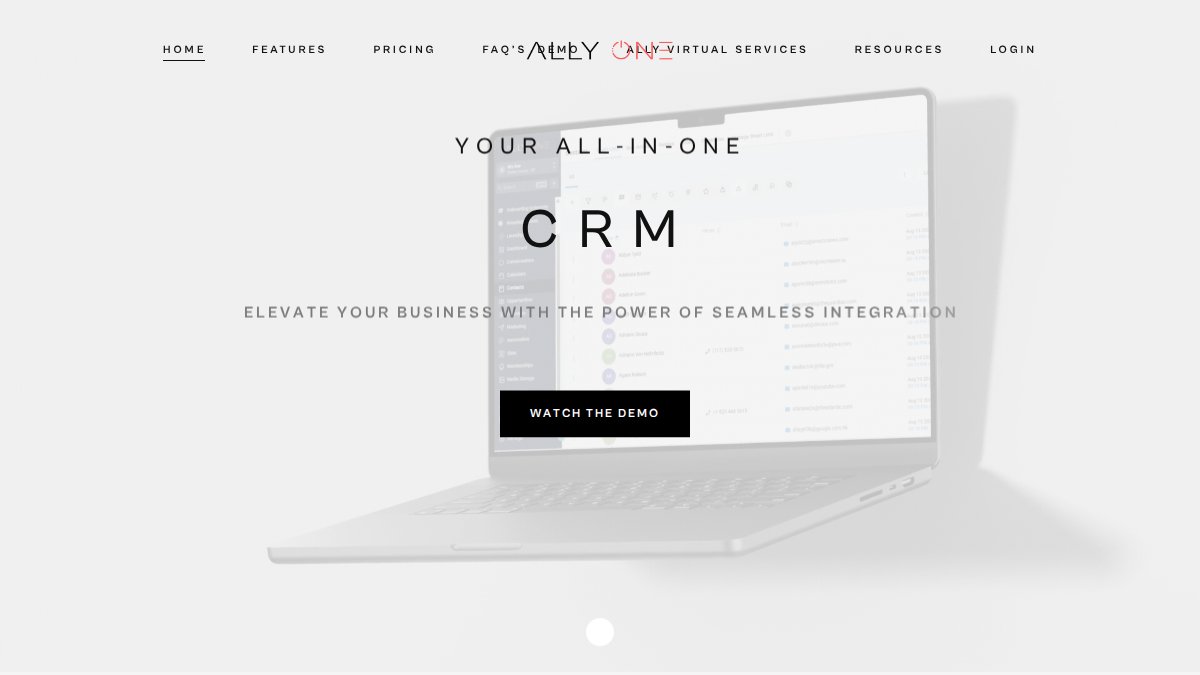
AllyONE is built as an all-in-one platform for experts, creators, and service providers, bringing CRM, automation, e-commerce, and community management into one dashboard. Instead of stitching a CRM to several other subscriptions, you can run marketing, sales, and service delivery from a single place.
For a consultant, coach, or small service team, that matters. Automated booking and pipeline management are designed to streamline the admin side of client work, and integrated e-commerce and upsell funnels can help turn one-time buyers into repeat ones. The platform also includes 250+ ready-made, conversion-focused templates to help you avoid designing every page and email from scratch.
- What works: All-in-one platform replacing multiple subscriptions and login screens. Pay-as-you-go messaging for calls, texts, and emails. 24/7 support from real humans.
- What to know: It’s built for experts, creators, and service providers. Check the current plans on AllyONE’s pricing page to see what fits your needs.
Best for: service-based professionals who want one system for leads, clients, and delivery. Skip if: you only need a bare-bones contact list.
Want to see it before you commit? You can book a demo or dig into the full feature breakdown.
2. Method:CRM: Best for QuickBooks Users
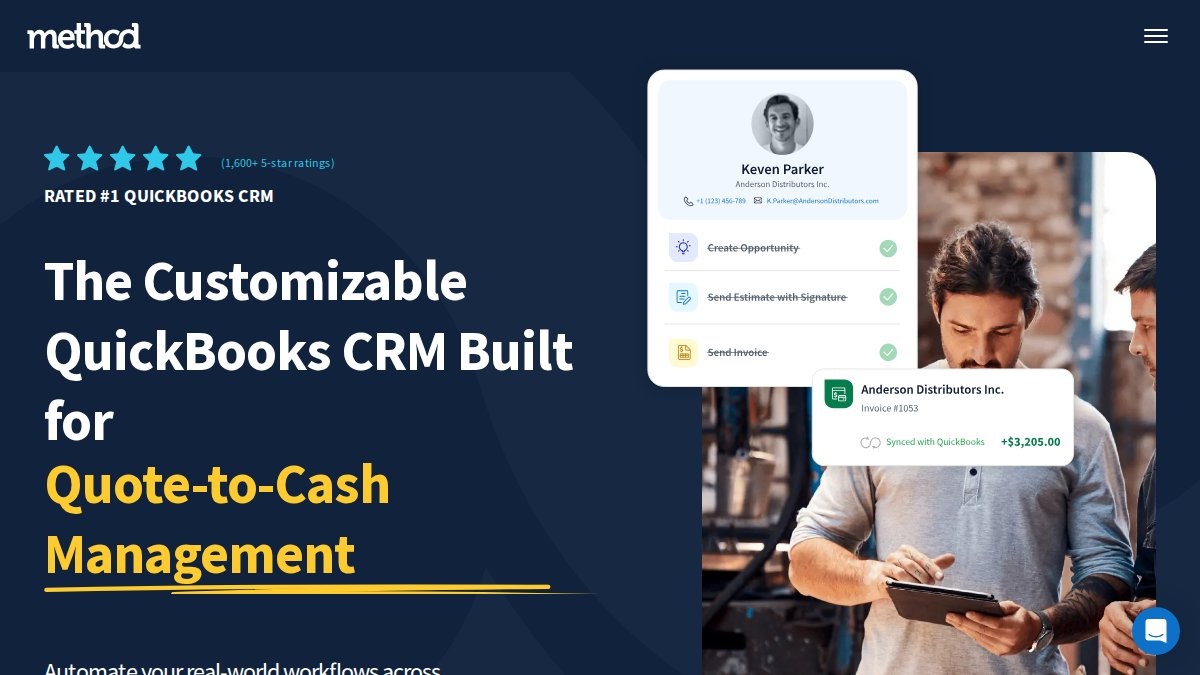
Method:CRM is known for two-way synchronization with QuickBooks. If your books already live in QuickBooks, a CRM that talks to it directly can save you from double entry.
Check Method:CRM’s website for current plan pricing and tier features before you buy.
Best for: service businesses already running QuickBooks. Skip if: you use different accounting software, since the sync is the main draw.
3. HubSpot Smart CRM: Best Free Starting Point
HubSpot Smart CRM offers a free plan that gives small business owners a way to test the water without a card on file. Growing teams should check what features each plan includes before assuming the free tier will cover them.
Best for: small service teams starting out. Skip if: you need advanced automation from day one.
4. Copper: Best for Relationship-Driven Teams
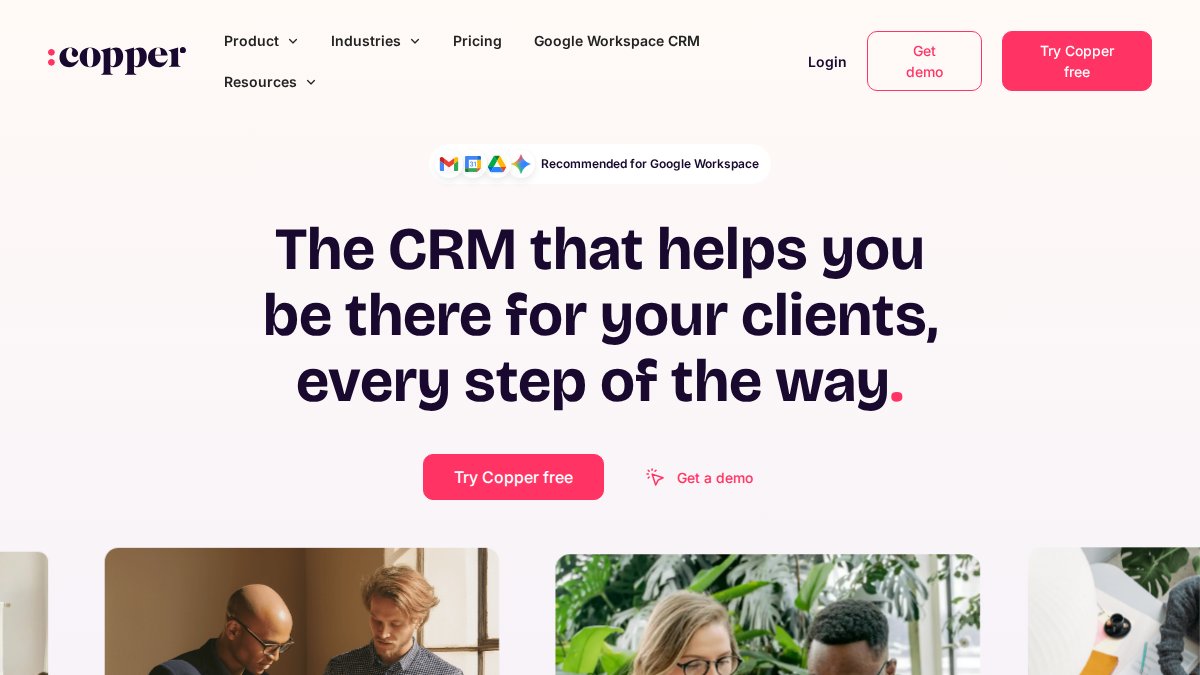
Copper is designed for relationship-led businesses such as agencies and consultancies. If your sales process is a conversation rather than a funnel, it may be worth a look.
Check Copper’s website for current pricing and integrations before you decide.
Best for: agencies and consultancies. Skip if: you need deep field service scheduling.
5. Zoho CRM and Bigin: Best for Budget-Conscious Teams
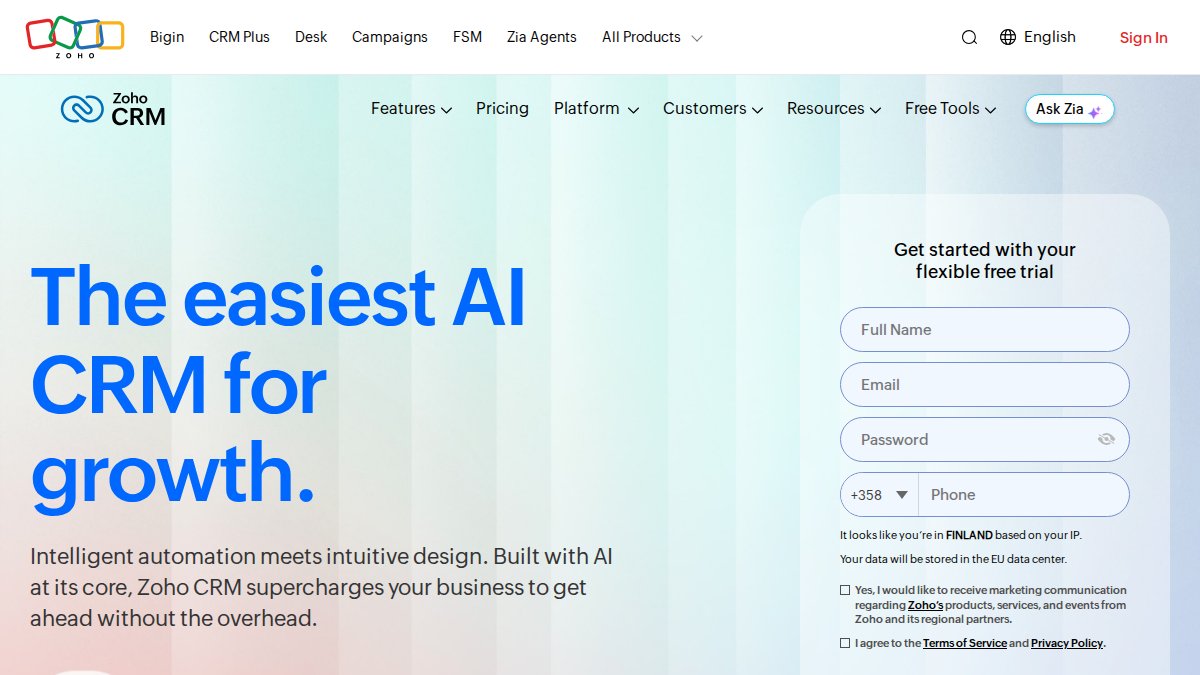
Zoho CRM and Bigin are worth considering if you’re watching your budget. Confirm current pricing and plan features directly on Zoho’s website before you commit.
If you’re torn between doing it all yourself and paying for tools, this framework for deciding what to delegate or automate is a useful gut-check.
Best for: teams watching every subscription dollar. Skip if: you want one platform for courses and community too.
6. Salesforce Starter: Best for Sales, Service, and Commerce Together
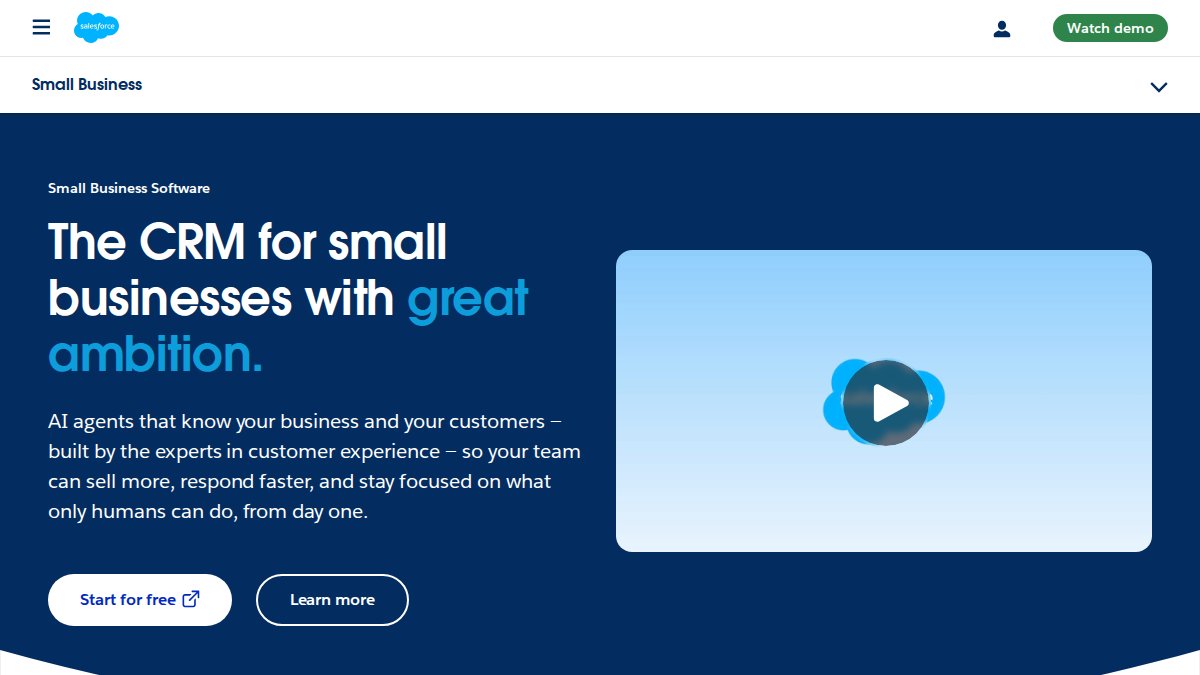
Salesforce Starter is aimed at small businesses that want sales, service, and marketing tools in one place. Check Salesforce’s website for current pricing and features before you decide.
Best for: small businesses spanning sales, service, and commerce. Skip if: you want the simplest possible setup.
CRM Features for Service Businesses That Actually Matter
The features that matter for a service business are contact and client records, lead and deal tracking, scheduling and dispatch, quotes and estimates, invoicing, and automated follow-ups. Everything else is nice to have. If a tool nails those six, it’ll carry you a long way.
But here’s where most roundups let you down: they treat “service business” as one thing. It isn’t. A consultant, a design agency, a home contractor, and a mobile field-service crew need very different things from a CRM.
If you’re a consultant or solo coach: your CRM is really a relationship and follow-up tool.
If you run an agency or creative studio: you’re juggling multiple clients, each with their own projects, approvals, and billing.
If you’re a contractor or trades business: the job is the unit of work, not the contact.
If you run a mobile field-service team: add routing, job status updates the office can see in real time, and a customer history that travels with the address.
A practical way to use this: score each CRM against the two or three priorities for your model, not the full list. A tool that’s excellent at dispatch but weak at proposals is a bad fit for an agency, and a relationship-first tool with no job tracking will frustrate a contractor.
Here’s the plain checklist we’d still run every option through:
- Client records with custom fields for your niche
- A sales pipeline you can read at a glance
- Scheduling and reminders that don’t need a spreadsheet
- Quotes and estimates you can send and track
- Invoicing or a clean accounting integration
- Automated follow-ups you can personalize
- Mobile access for on-site work
- Reporting that shows your conversion rate
Watch out: skipping the follow-up test is the mistake that sinks most CRM rollouts. If automated follow-ups feel robotic to your clients, the tool is working against you, not for you.
CRM software buying guidance
Common Mistakes When Choosing a CRM
The biggest mistake is buying for features you might need someday instead of the ones you use every week. A close second is underestimating setup time, then blaming the software when nothing gets filled in.
Mistake 1: Treating the switch as a software install instead of a data move. Your client list, notes, and open deals are the business. Ask how you export data from your current tool and import it into the new one.
Mistake 2: Mapping fields on the fly. Decide up front what a “client,” a “deal,” and a “job” mean in your business, then map your old fields to those.
Mistake 3: Launching everything at once. Pick one workflow, usually the pipeline or the quote-to-invoice flow, and get that right before adding scheduling, automation, or reporting. Teams adopt faster when the first thing they see works.
Mistake 4: Skipping the training step. A 30-minute walkthrough using a real client as the example does more than any feature list. Nominate one person as the internal go-to so questions don’t stall.
Mistake 5: Forgetting to check what happens if you leave. Ask about data export and permissions before you sign.
A simple launch checklist: export your current data, write your field map, run a test import, pick one workflow, train the team on a real example, set permissions, confirm your export path, then add the next workflow.
If you’re not sure whether your real problem is the CRM or the pile of disconnected tools around it, our free business audit and tech savings calculator can help you see where the time and money are actually going before you commit.
Next Steps: Pick the CRM and Get Moving
The right CRM for your service business is the one your team will actually use, not the one with the longest feature list. Start with the checklist above, shortlist two or three options, and test them against a real client workflow before you commit.
At AllyONE, we built our platform so service providers can run client management, booking, payments, and communication from one dashboard, with 250+ templates and 24/7 human support. If you’d like a clear-eyed look at where your current tools are costing you time and money, start with our free business audit and tech savings calculator. Or join our free live training on stopping the bottleneck in your own business and see where a single system could free up your week.
Get started with AllyONE and run your clients, jobs, and follow-ups from one place.
Frequently Asked Questions
What is the best CRM for a service business?
There is no single winner because service businesses differ. If you want one dashboard for leads, booking, payments, and follow-ups, an all-in-one CRM for small business like AllyONE fits well. If you use QuickBooks, Method:CRM offers two-way sync with it. If budget is tight, HubSpot Smart CRM offers a free plan to start. Match the tool to your workflow, not the other way around.
What should a service business look for in a CRM?
Look for contact and client records, lead tracking, a simple sales pipeline, scheduling, quotes, and automated follow-ups. Check that it connects to your email and accounting tools, works on a phone, and is easy for your team to learn. CRM features for service businesses should save time on admin, not add a second job. Ask for a trial and test your busiest workflow first.
Is a free CRM enough for a small service business?
A free plan can work when you have one or two users and a simple sales process. Free CRM plans often cover contacts and deals, but check what each plan includes before you rely on it. Once you need more features, compare current plans on each provider's website.
What is the difference between a CRM and field service management software?
A CRM manages customer relationships: contacts, leads, deals, and communication. A field service CRM adds scheduling, dispatch, job tracking, and mobile access for technicians on site. If your team works at customer locations, look for dispatch and job management in the same tool. If you work mostly online, a standard CRM with booking and follow-ups is enough.
How long does it take to set up a CRM for a service business?
A simple setup with contacts, pipeline stages, and one automated follow-up can be quick. Importing client records, connecting email and accounting, and training your team takes longer, so plan accordingly. Start with one workflow, such as quote-to-follow-up, and add the rest later. A free business audit can show which tools you can retire before you migrate.